
Fuel in ringgit
Check published BUDI95 and unsubsidised RON95 prices, RON97 prices and diesel prices by region.

Navigation for Malaysia
Know the tolls, see the traffic and find your next stop. A navigation app built for the way Malaysia drives.
Interactive preview
Explore a sample journey from KL Sentral to the Petronas Twin Towers. Switch layers to see what Laluan brings to the road.
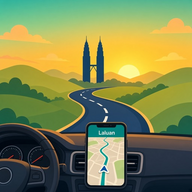 LaluanSample journey
Compare toll and toll-free options in Laluan, with estimates in ringgit before you set off.
Road essentials
From the morning commute to balik kampung, keep the details that matter close at hand.
Check published BUDI95 and unsubsidised RON95 prices, RON97 prices and diesel prices by region.

Check JAKIM prayer times for your zone and find a nearby masjid or surau.

Bring your route to the car display with Apple CarPlay.
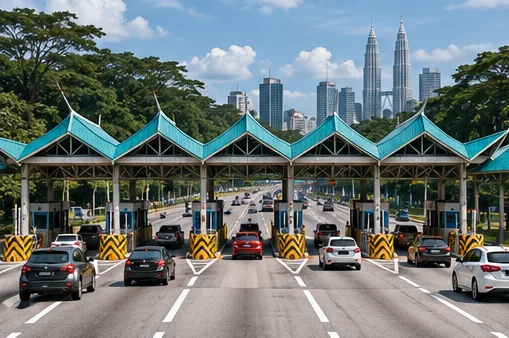
Compare the with-toll and no-toll routes, with estimates from official highway rates.
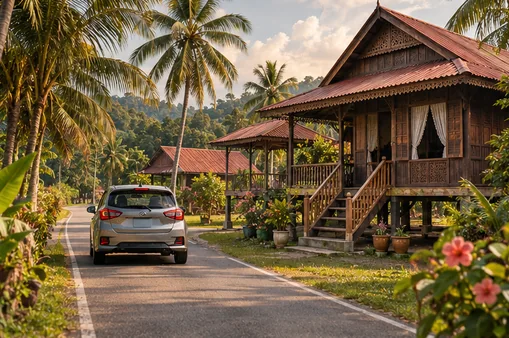
Explore departure forecasts, published festive toll concessions and R&R stops along the way.
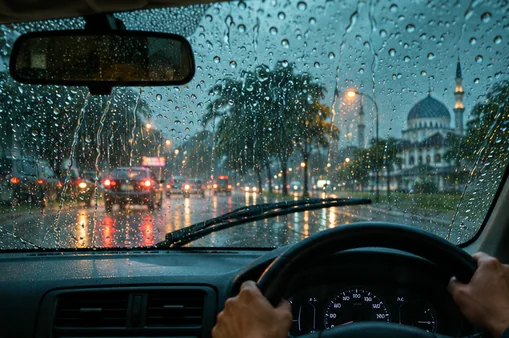
Check MET Malaysia rain and thunderstorm alerts for states on your route, plus state forecasts.

Share your trip and ETA with people you choose. Send an “I’ve arrived” update when you reach your destination.

Live traffic on the map, plus reports from other drivers along your way.
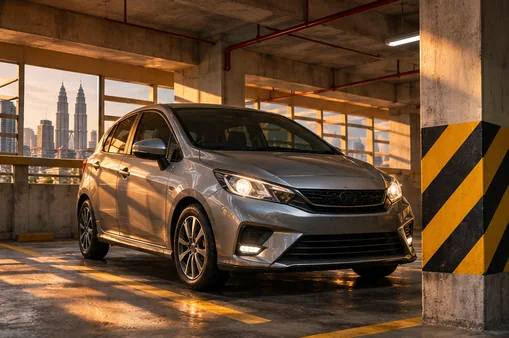
Save the floor, bay and a photo, set a parking timer and get walking directions back to your car.

Choose from four app languages, 17 guidance languages and a selection of voices. Malaysian English phrasing is optional. Allow background location to keep hearing directions with the screen locked.
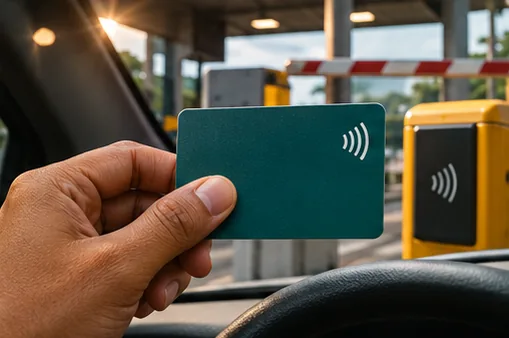
Choose a reminder to check your Touch ’n Go balance before a tolled drive. Your wallet stays separate.
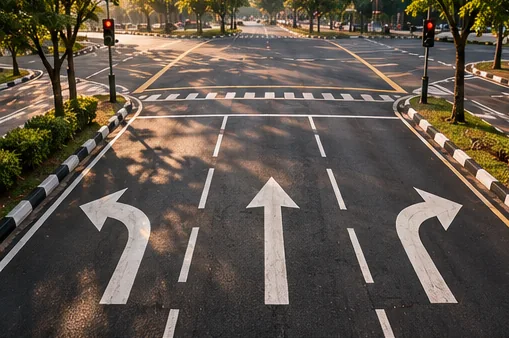
Junction views and lane hints help you get into position for your next turn.

Pins on your route open the official live camera view from the highway authority.
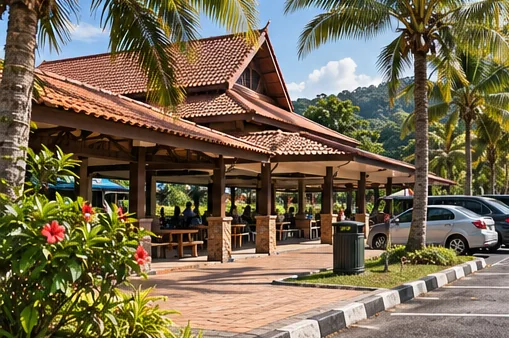
Find food, R&R stops, toilets, petrol, EV chargers, masjid or surau, ATMs and clinics along your route.

See an estimate in ringgit for the fuel your trip will use before you set off.

Search for places, addresses, toll plazas, housing developments and highway interchanges.
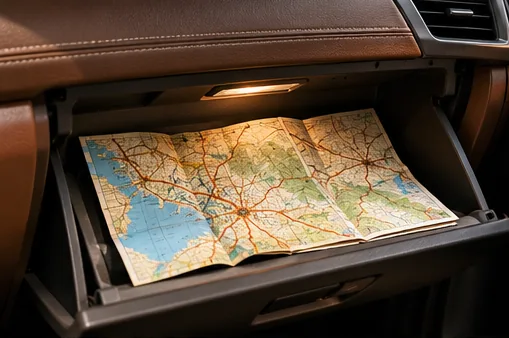
Download the Malaysia map or a smaller area. New routes, live traffic and search need an internet connection.
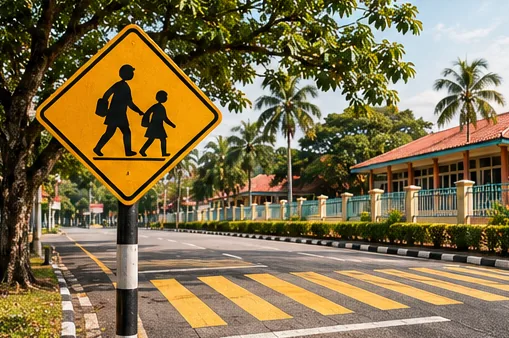
Get alerts as you approach traffic cameras and school zones.

Flood and road alerts appear when they are published.

Emergency help is always one tap away, even if location is off.
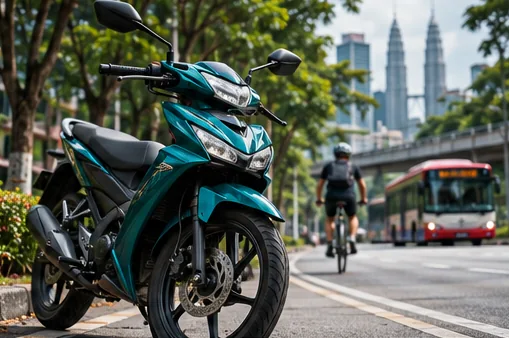
Choose a mode for riding a motorbike, walking, cycling or taking public transport.

Report jams, accidents and roadworks. You can switch off slowdown prompts in Settings.
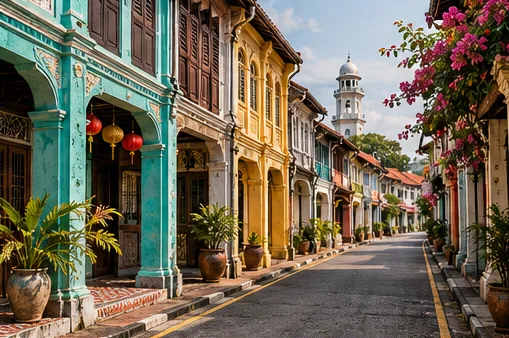
Where available, Mapillary street-level photos show upcoming turns and places along the way.

Thick gold city roads that stand out from side streets, so the way ahead is easy to read.

Switch looks for day or night driving.

Trip recording is on by default. You can turn it off at any time in Settings.

Add a stop to your route and preview the drive before you leave.
Save a regular journey, open it with one tap and set a reminder for when to leave.

See monthly estimates of your fuel and toll spending, kept on your device.
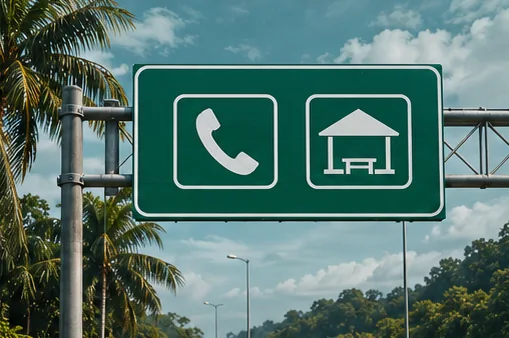
Look up highway hotline numbers and see which facilities are listed at R&R stops on your route.
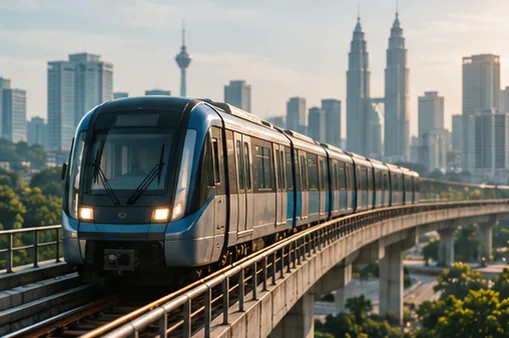
See walking legs, timetables and transfers. Live vehicle positions appear where operators provide a feed.

Save favourite places and revisit your recent trips.

Opt in to earn points and badges for confirmed reports and see your state’s monthly leaderboard. Points have no cash value.

Open My Laluan to read release notes, get help or send feedback.
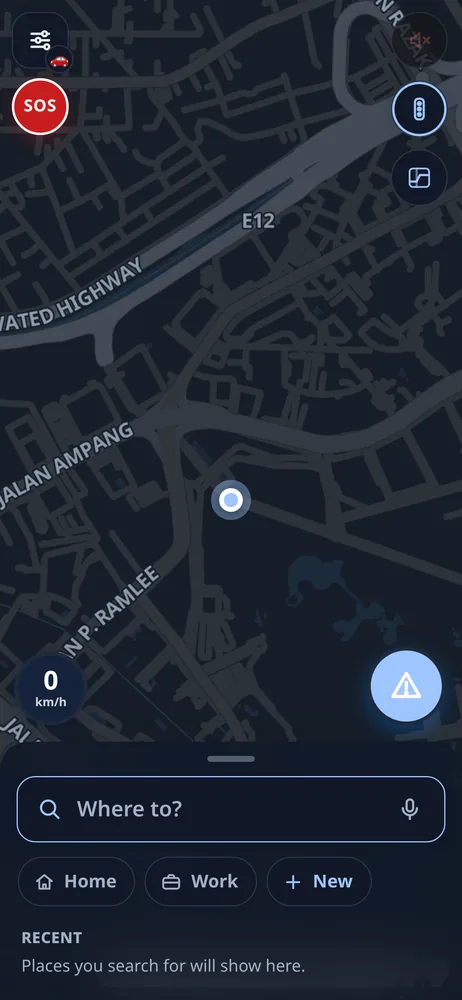
See how routes, traffic and map controls look in Laluan.
Driver support
Yes. Navigation and the SOS button are free. There are no ads, and you do not need an account.
The iPhone app is on the App Store. You can also open the web app in a browser on iPhone or Android. The Google Play app will appear here when it is approved.
Yes. In Settings you can download the Malaysia offline map, or a smaller area. A new route, live traffic and search still need a connection, unless a route is already saved on the device.
Toll figures are labelled estimates, calculated from published highway toll rates for the vehicle class you choose. You can also pick a no-toll route.
The screens are fully in English, Bahasa Melayu, Tamil and Chinese. Voice guidance is available in 17 languages, including those four.
Yes, if you allow background location. Spoken guidance can continue when the screen is locked.
Trip recording is on by default so we can improve search and routing. You can turn it off in Settings at any time. Details are in the Privacy Policy.
Email wecanwin96@gmail.com, or use the Support page. Please say whether you are on iPhone, Android or the website.
Made for Malaysia